

Free
$0free plan
Everything you need to stop forgetting food.
50 AI credits a month
for crew chat, scans and icons
 Fridge & pantry tracking with expiry alerts
 Top up with credit packs anytime
Meet the crew keeping track.
Home FridgeUse first
Milk2 days Spinach3 days
 Eggs6 days
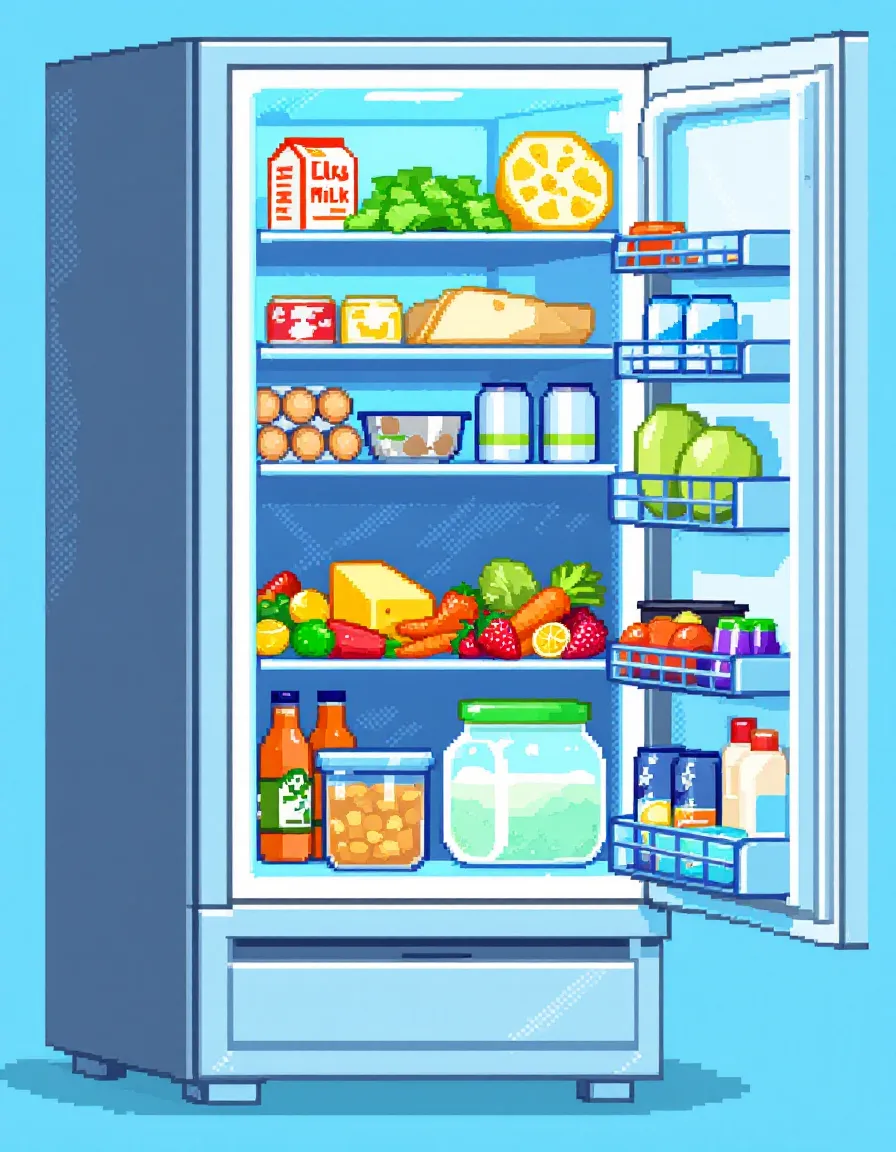
 Guardian's got your fridge.
 On a computer?
Scan with your iPhone.
Open the app before you open the door.
Why it matters
Sometimes it's not because we don't care.
We just forgot the spinach was there.
79 kg of food wasted per person, per year, at home.
Source: UNEP Food Waste Index Report 2024
Watch the demo
Scan it, track it, cook it. See the crew run a real fridge, start to finish.
Plays from YouTube once you press play. Watch on YouTube
How it works
Put food in once. The crew keeps an eye on it until it's eaten.

Organizer files it
Four ways in, and every item lands on the right shelf.
Guardian watches the dates
Expiry and low-stock reminders tell you what to use first, before it turns.
Milk2 daysSpinach3 days
Chef plans tonight
"What to eat" turns what you already have into dinner, starting with what's about to expire.
Inside the app
Real screens from the iPhone app.


 Weekly meal planPlan the week day by day, then tick meals off as you cook them.Shopping listShopkeeper keeps what's running low on the list, so you buy only what's missing.
 InsightsUsed up versus thrown out, week by week. Watch the bin side shrink.
 ExploreBrowse community recipes and meal plans, and make any of them your own.Kitchen LabAutomate it in one sentence: "Notify me when stock drops below 2."Chat with the crewAsk anything and attach items, recipes or a meal-plan week as context.
The crew
Each one looks after a different habit. Chat with any of them in the app.
Waste saver
Knows what expires next and makes sure you use it first.
"The milk goes first. Two days left."
Food balance
Suggests what to cook tonight with what you already have.
"Eggs, spinach, cheese. That's an omelette."
Tidiness
Keeps every item on the right shelf so nothing hides at the back.
"Yogurt back on the top shelf."

Shopping list
Spots what's running low and keeps the list honest.
"You're out of rice. It's on the list."
Why people keep it
What waste costs
Three quick guesses. We'll do the maths, with nothing sent anywhere.
Your guesses, your numbers. The kilogram line uses UNEP's 79 kg of food wasted per person, per year, at home (Food Waste Index Report 2024). Pro is shown in US dollars; the App Store shows your local price.
Pricing
Track your fridge for free. Go Pro for more crew help, more fridges and the whole household.
$0free plan
Everything you need to stop forgetting food.
50 AI credits a month
for crew chat, scans and icons
Fridge & pantry tracking with expiry alertsTop up with credit packs anytime7-day free trial
$19.99 per year$2.99 per month
Was, the monthly price over a year: $35.88
Just $1.67 a month, billed yearly.Pay month to month. Cancel anytime.
400 AI credits a month
8× more crew help
Everything in FreeUnused credits roll over each monthOwn more than one fridgeHost a shared fridge for your householdFree for 7 days, then $19.99/year.Free for 7 days, then $2.99/month. Renews automatically; cancel anytime in your Apple ID settings.
Every AI action spends credits: crew chat, receipt and fridge-photo scans, icon generation. Prices in USD; the App Store shows your local price. Free trial for new subscribers. See the Terms.
From the team
We use ThatFridge in our own kitchens every day. Here's what changed.
"Sunday used to mean finding mystery containers at the back of the fridge. Now Guardian nudges me two days before anything turns, and I actually cook it."
Keira · ThatFridge team
"I scan the receipt while I'm still unpacking the bags. Ten seconds, and I haven't typed an expiry date since."
Joey · ThatFridge team
"Our shared-house fridge was chaos. Now everyone sees the same shelves, and nobody comes home with a third bottle of soy sauce."
Naufal · ThatFridge team
Questions
Yes. The free plan covers fridge and pantry tracking, expiry alerts and 50 AI credits a month. Pro adds 400 credits a month that roll over, more than one fridge and a shared household fridge, for US$2.99 a month or US$19.99 a year, with a 7-day free trial for new subscribers.
Every AI action spends credits: crew chat, receipt and fridge-photo scans, and icon generation. Free accounts get 50 a month, Pro gets 400, and you can top up with credit packs anytime.
Not yet. It's in the works. Join the Android waitlist and we'll email you once when it's out.
When you scan a receipt or a fridge photo, the image is uploaded to our server and sent to an AI vision provider to read the items. Images stay on our server so the feature keeps working, and you can delete the items anytime. Read the privacy policy.
Yes, with Pro. Invite someone by username from a fridge's manage screen, and everyone in it sees and edits the same items and notes.
Subscriptions are billed by Apple. On your iPhone go to Settings, tap your name, then Subscriptions, ThatFridge, Cancel Subscription. Cancel at least 24 hours before the trial ends and you won't be charged.
Something else? See all support answers or email support@thatfridge.com.
On Android?
Leave your email and we'll send one message when it's ready. Nothing else.

On a computer? Point your iPhone camera here.
Free for iPhone. ThatFridge Pro starts with a 7-day free trial for new subscribers. Android is on the way.