About ThatFridge
ThatFridge is an iPhone app with a crew of four pixel-art AI helpers that tracks your fridge, tells you what to use first, and helps you waste less food.
ThatFridge is a shared household food app for iPhone. Add a whole shop at once by scanning a receipt, a fridge photo or a barcode, or type it in. A crew of four AI helpers takes it from there: Guardian watches expiry dates, Chef suggests meals from what you already have, Organizer keeps items in the right place, and Shopkeeper tracks what's running low.
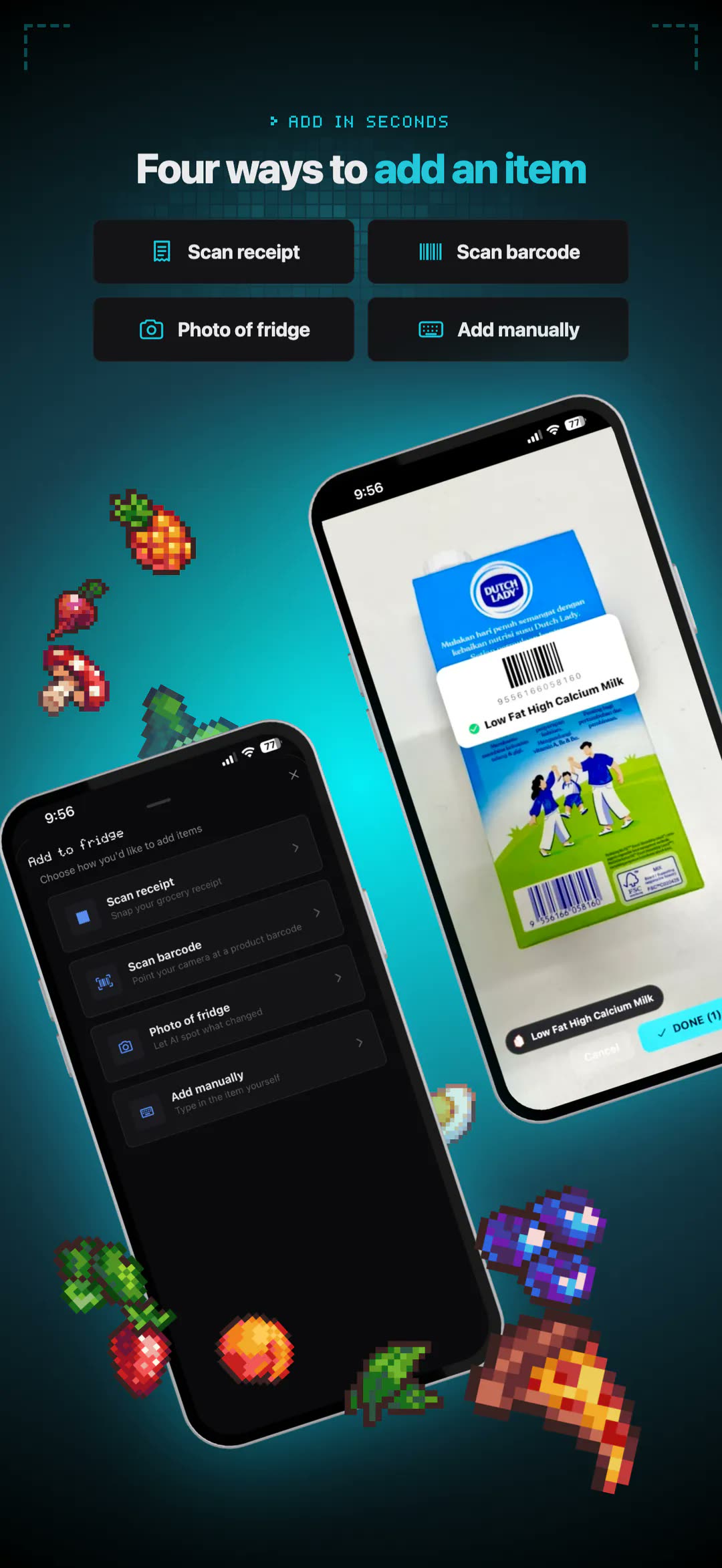
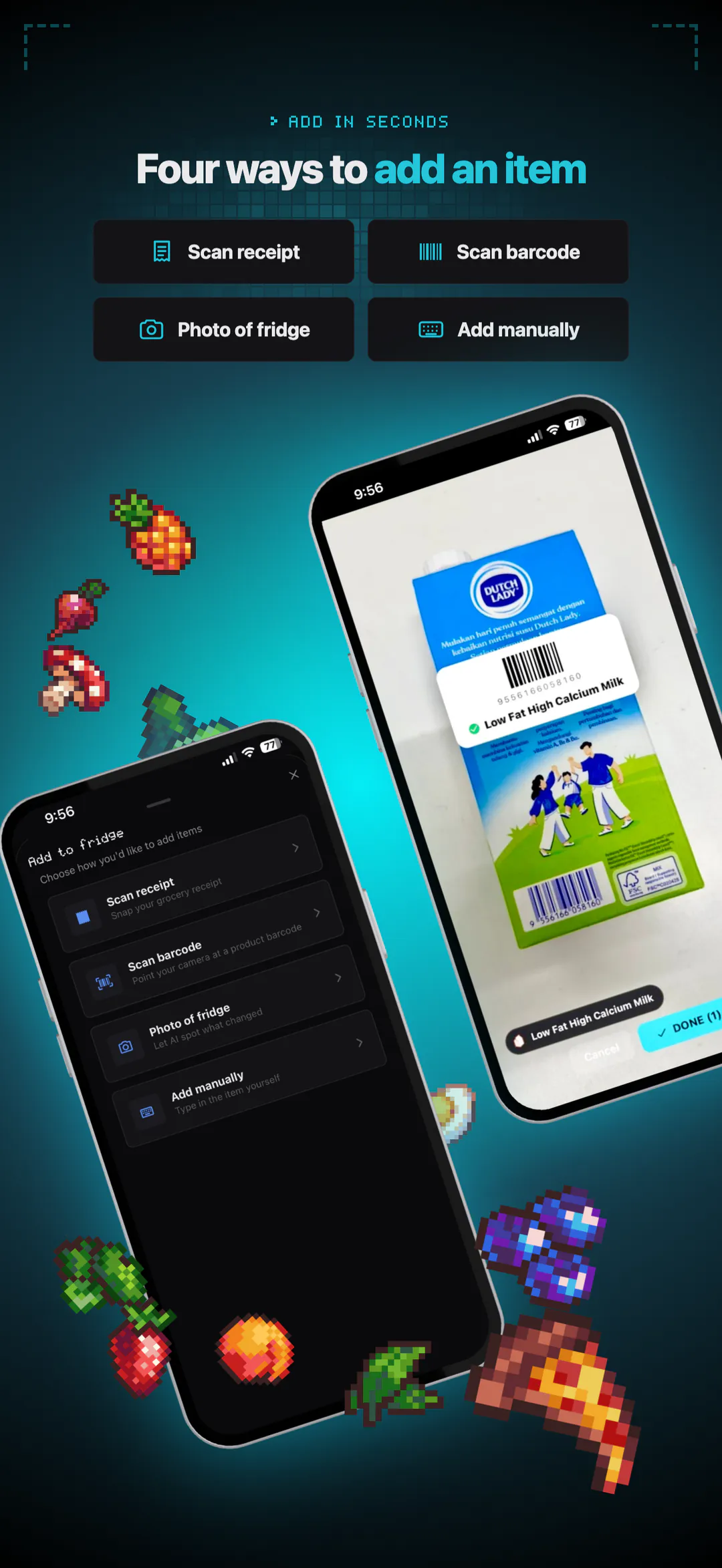
A lot of food gets thrown away simply because nobody remembered it was there. ThatFridge keeps track so you don't have to. Scan a receipt or a photo of your fridge, scan a barcode, or type items in, and every item gets a food group, storage spot, shelf life and pixel icon.
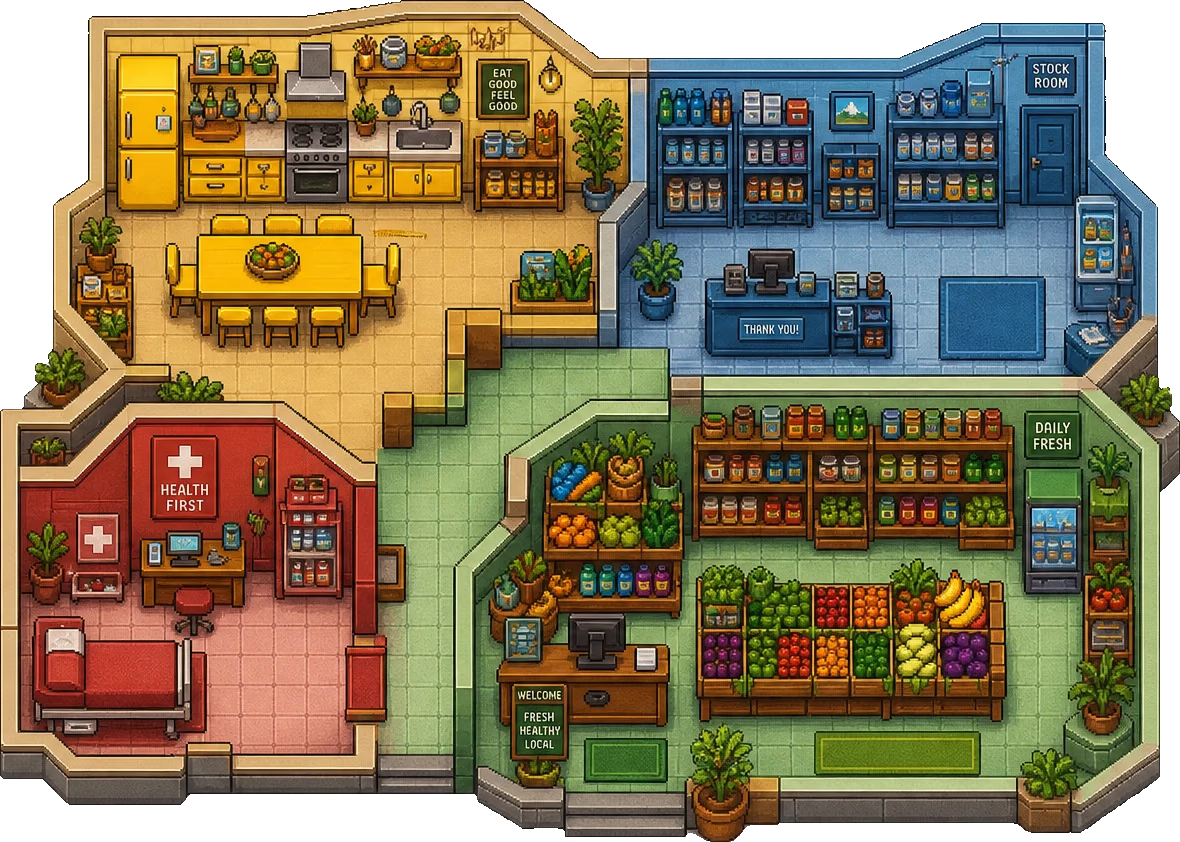
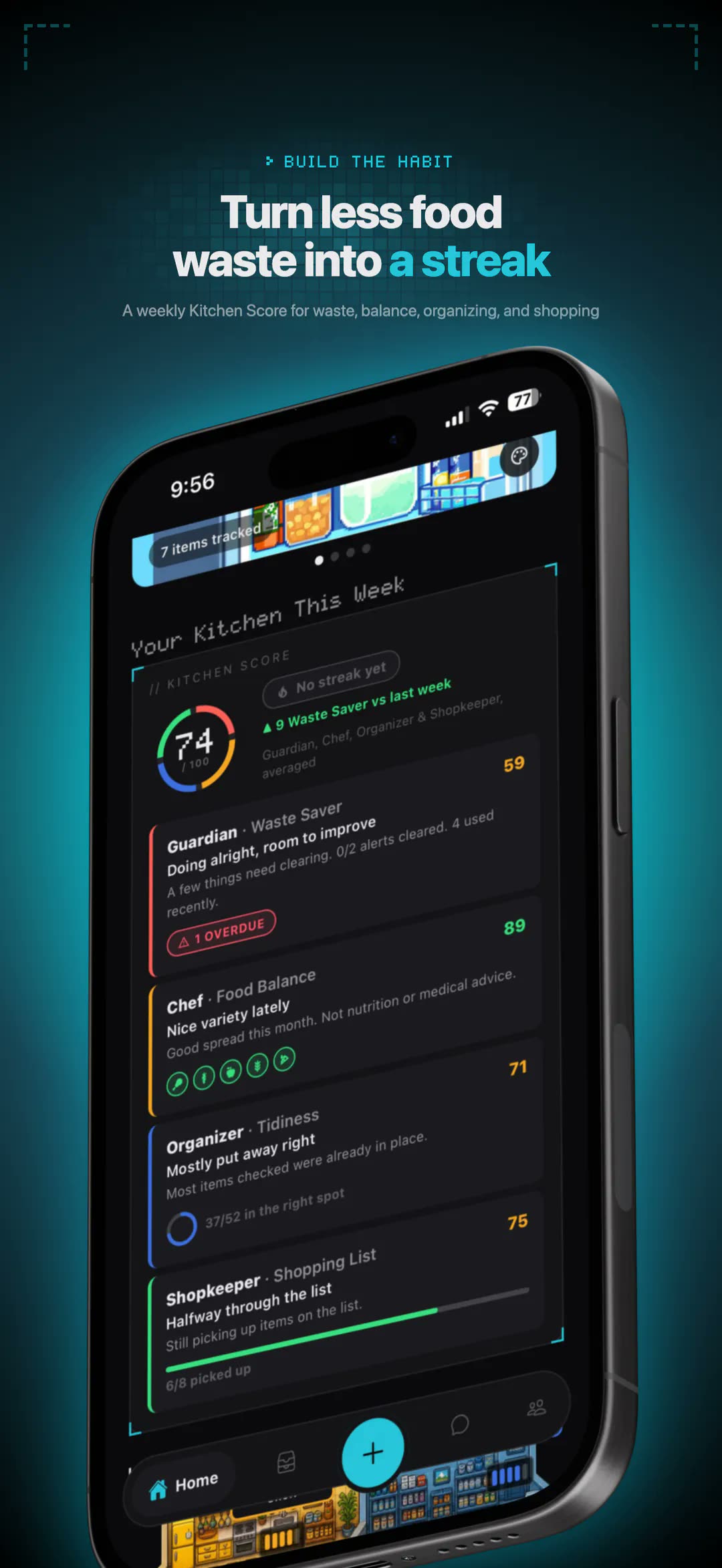
A crew of four pixel-art AI agents does the remembering. Guardian sends expiry reminders and tells you what to use first. Chef turns what's already on your shelves into meal ideas, starting with what's about to expire. Organizer files every item in the right place, and Shopkeeper builds the shopping list from what's running low. You can chat with any of them.
A household can share one fridge, so everyone sees the same shelves, notes and shopping list. Meal plans, recipes and a weekly Kitchen Score round it out. ThatFridge is free to download, with ThatFridge Pro for more AI credits, more fridges and household hosting.
Fact sheet
- Name
- ThatFridge
- Platform
- iPhone (App Store). Android is in development.
- Price
- Free to download: one fridge, tracking and expiry reminders, 50 AI credits a month. ThatFridge Pro: US$2.99 a month or US$19.99 a year, with a 7-day free trial for new subscribers; 400 AI credits a month that roll over, more than one fridge, and a shared household fridge. Prices in USD; the App Store shows local prices.
- App Store
- apps.apple.com/app/thatfridge/id6806239306
- Website
- thatfridge.com
- Demo video
- Full app demo on YouTube (1:58)
- YouTube
- @ThatFridge-co
- Background
- Built for RevenueCat Shipaton 2026.
- Team
- Keira, Joey and Naufal
- Press contact
- support@thatfridge.com
Logo
The fridge mascot is the app icon and the logo. Please use it as supplied: don't recolour, stretch, crop or add effects to it.
-

Logo, light backgroundSVG (vector) or transparent PNG. SVGPNG 512PNG 1024 -
Logo, dark backgroundSame files; the logo works on both. SVGPNG 1024


App screenshots
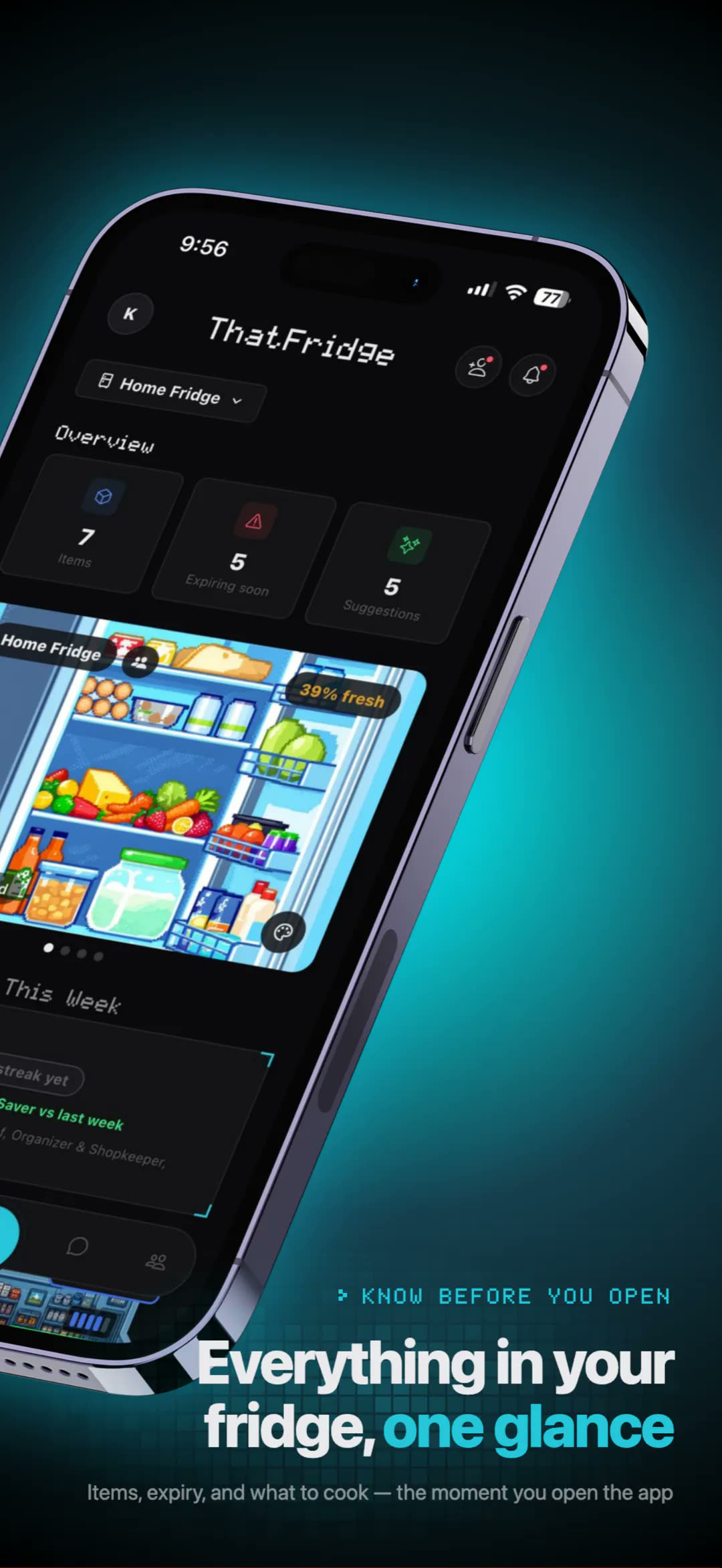
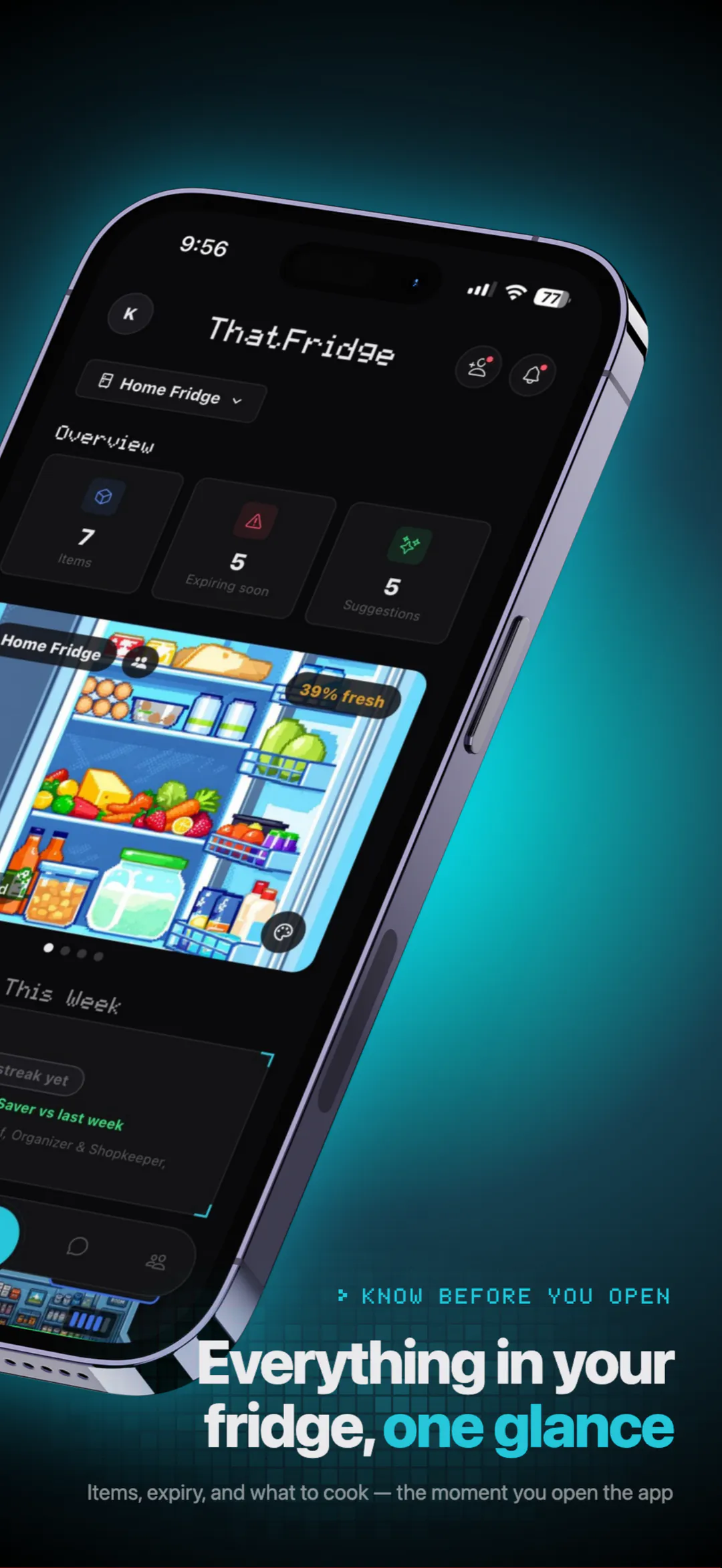
Our App Store screenshots: real app screens with captions, 1080 px wide.
-
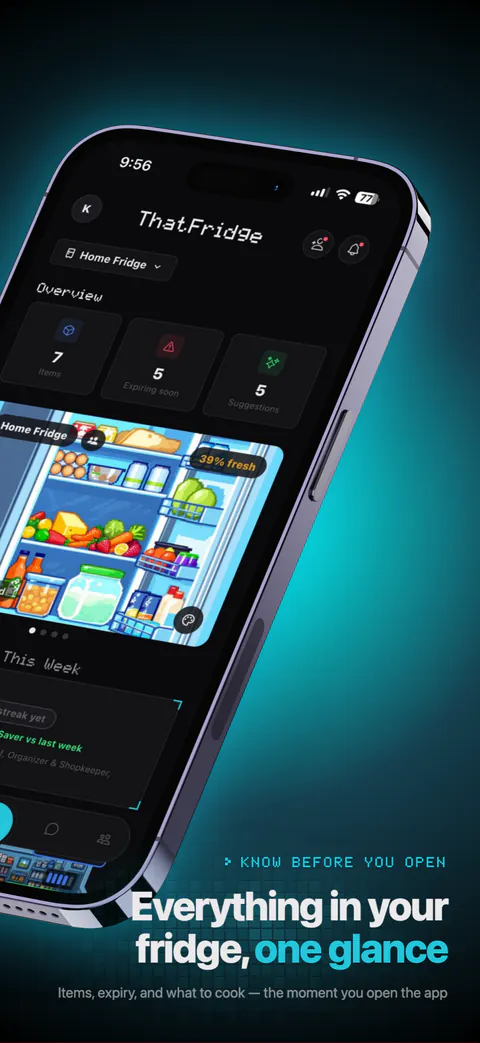
HomeYour fridge at a glance. JPGWebP -
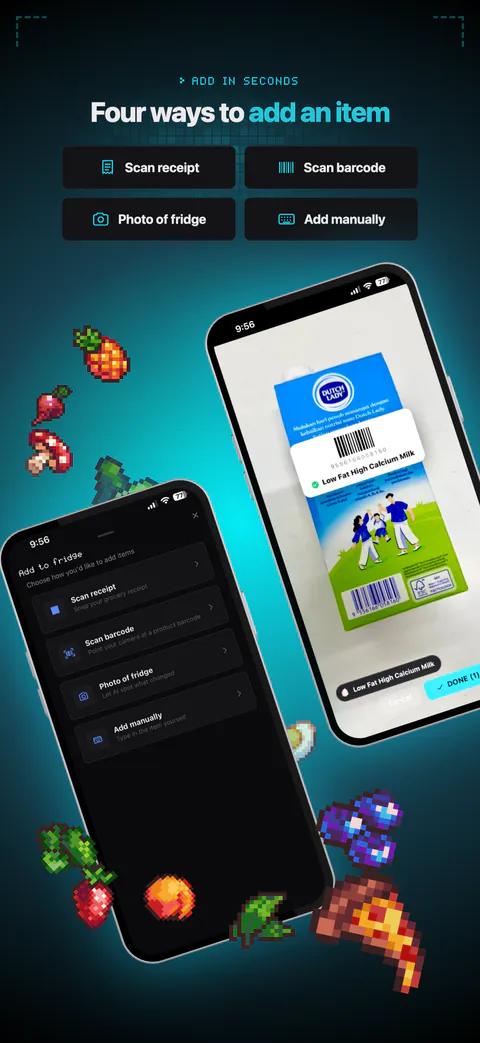
Add itemsReceipt, barcode, fridge photo or typing. JPGWebP -
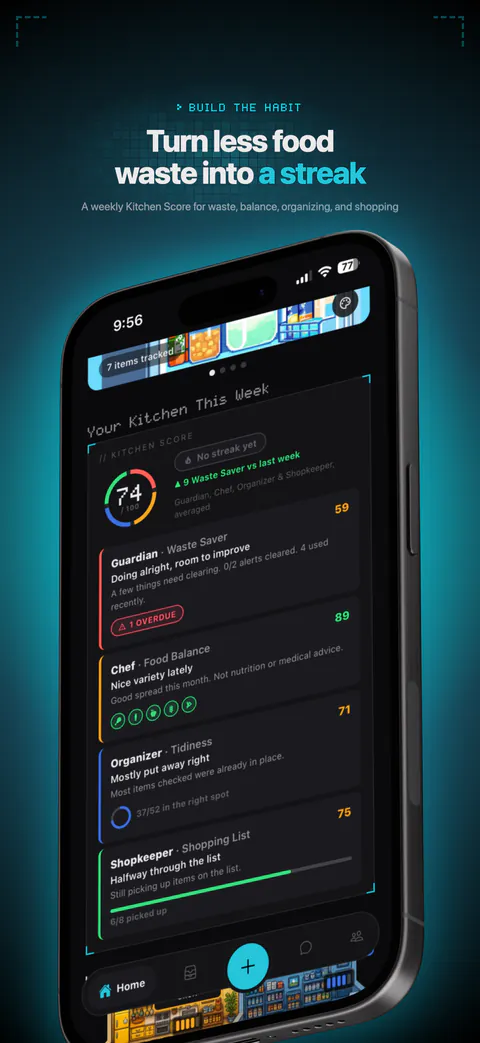
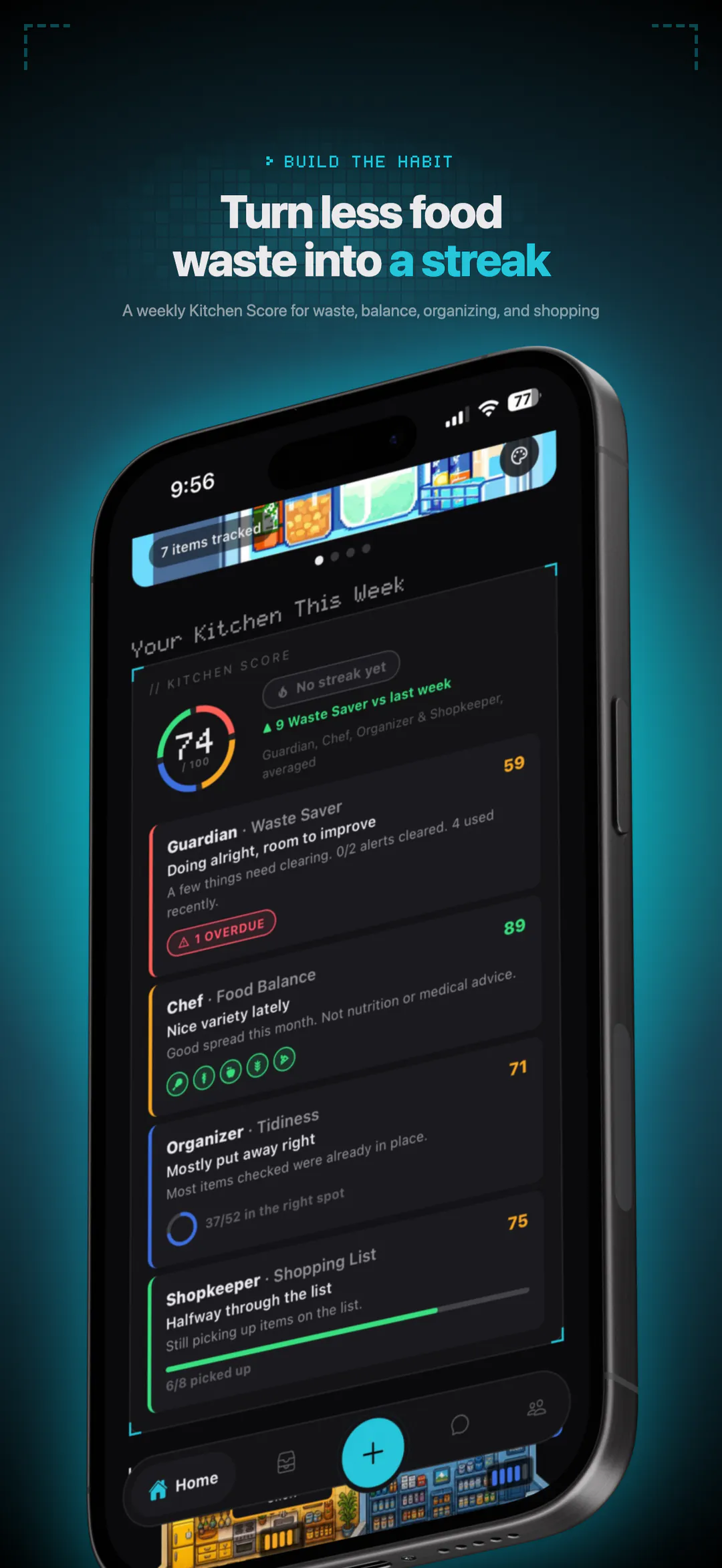
Kitchen ScoreA weekly score from the crew. JPGWebP
The crew
Animated pixel-art sprites (lossless animated WebP, 48 px art). Scale them in whole multiples with nearest-neighbour scaling so the pixels stay crisp.
-

GuardianWatches expiry dates.WebP -

ChefSuggests meals from what you have.WebP -

OrganizerKeeps items in the right place.WebP -

ShopkeeperTracks what's running low.WebP
Demo video
The full app demo is on YouTube: youtu.be/RVUh1htzhM0 (1:58). Embedding it is fine.
-
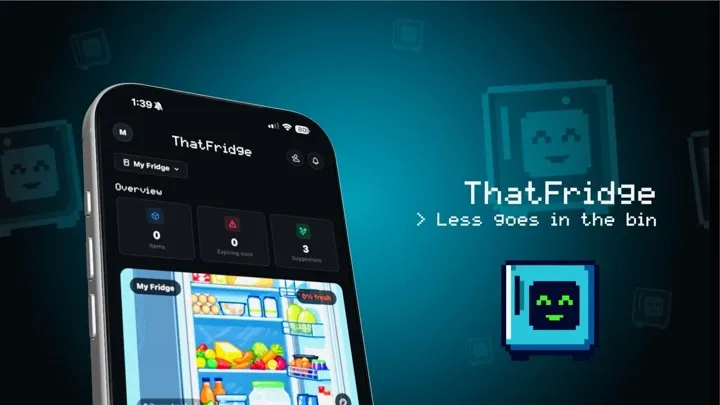
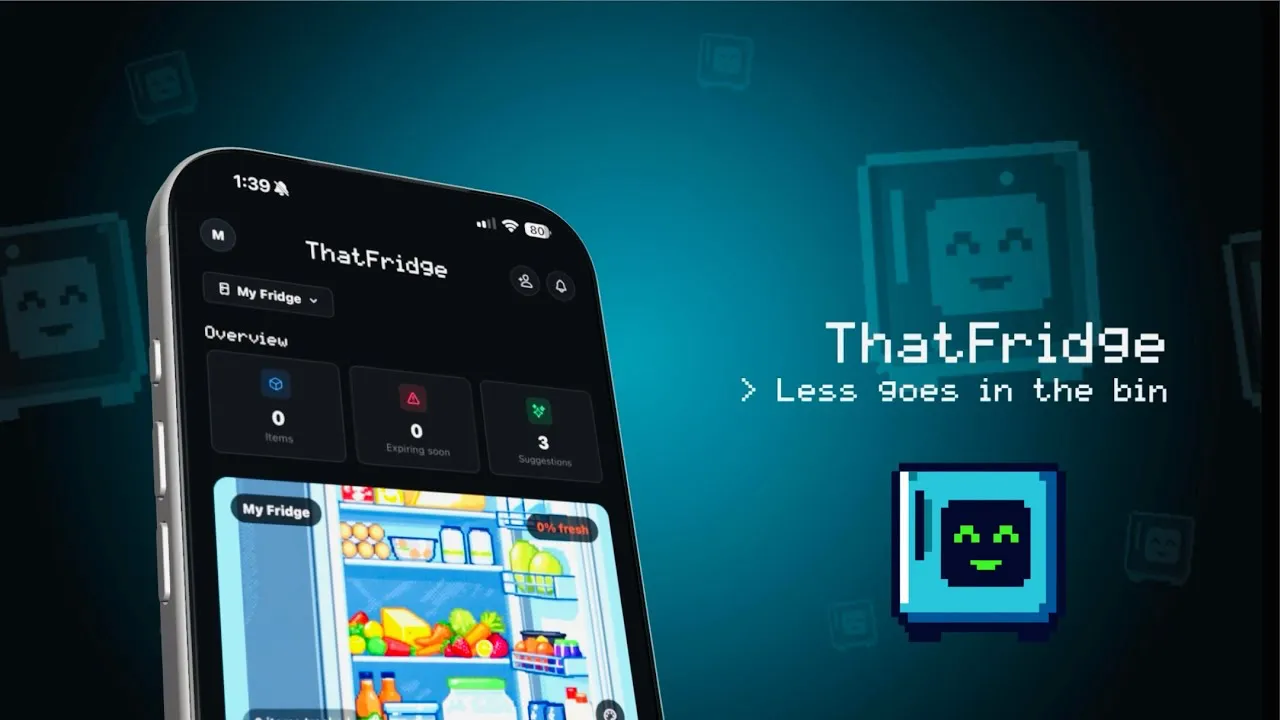
Video poster1280 × 720.WebP
Brand basics
Colours
- Paper
#F4EEE3 - Ink
#1B1916 - Accent
#8F5319 - Night
#15110D - Fridge teal
#26C6DA - Guardian
#FF5F56 - Chef
#F5A623 - Organizer
#3D6FE0 - Shopkeeper
#39E07F
Type
Usage notes
- Write it as one word: ThatFridge.
- Use the logo and sprites as supplied. Don't recolour, distort or redraw them.
- If you link to the App Store, use Apple's official "Download on the App Store" badge and follow Apple's marketing guidelines.
- Screenshots show real app screens; please don't edit them to show features the app doesn't have.
Contact
For interviews, review access or anything else, email support@thatfridge.com.